Appearance
Engineering — Reference Implementation
Enrollment & Credential Onboarding Flows
Purpose: eIDAS 2.0 High LoA credential onboarding flow — strictly verified, un-phishable enrollment with EUDI Wallet identity anchoring and hardware enclave key binding.
Version: 1.0.0 | Last Updated: 2026-06-28 Dependencies: redis-challenge-pipeline-docker.md (ZtaRedisPipelineManager), siem-logging-pipeline.md (ztaLogger), webauthn-client-enterprise-handler.md (WebAuthnClientHandler), webauthn-server-validation-backend.md (EnterpriseWebAuthnServerValidator)
1. The 2026 High-Assurance Enrollment Architecture
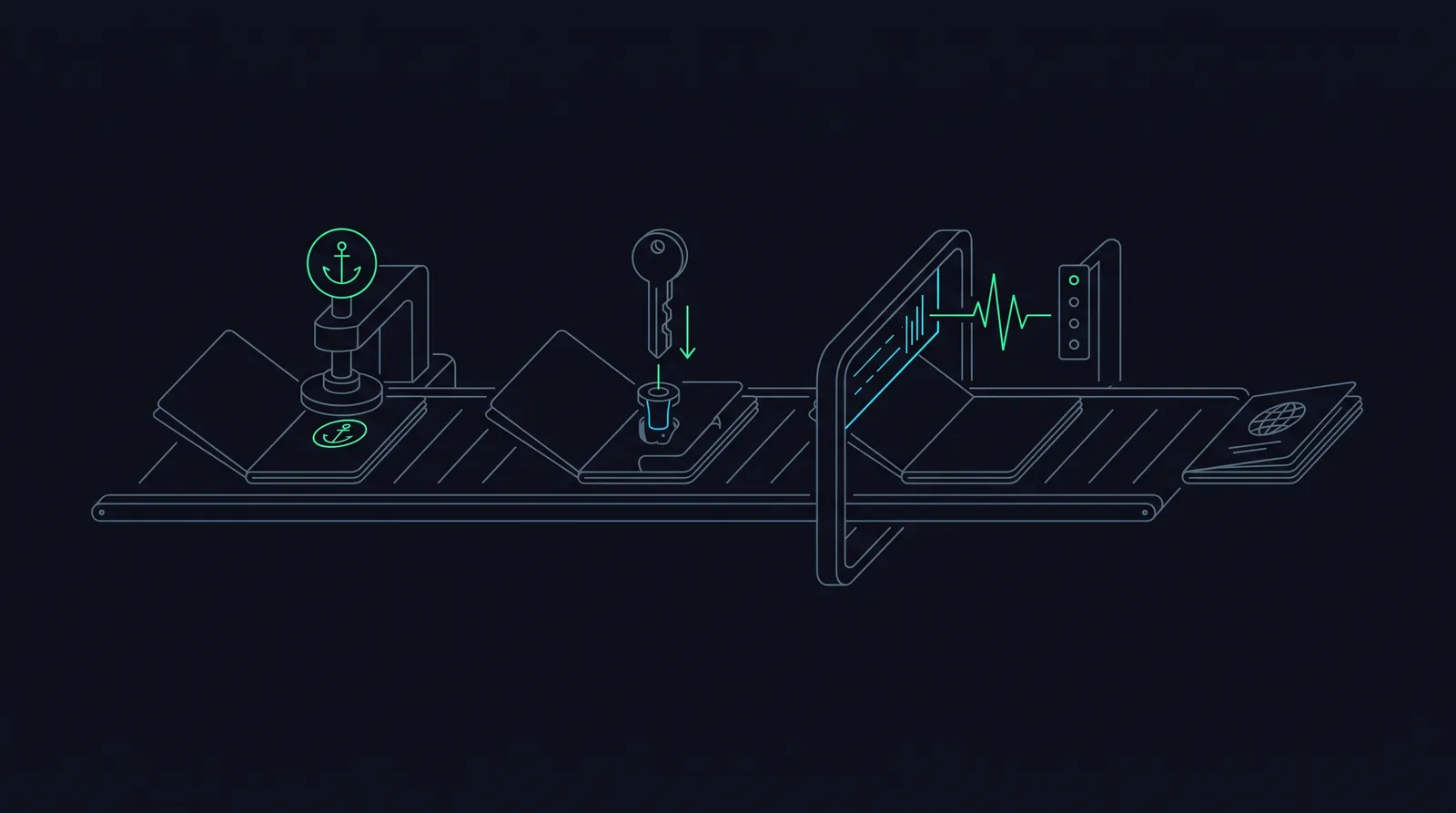
The enrollment framework moves through three distinct phases: Identity Verification via an official European Digital Identity Wallet (EUDI) or Smart-ID, Cryptographic Key Binding to the local hardware enclave, and Immutable Proof Generation for compliance auditing.
text
 [User Device] --(1. Connect via OID4VP)--> [EUDI Wallet / Smart-ID]
       |                                          |
       |                               (Extract Verified Identity: PID)
       v                                          v
 [ZTA Onboarding Engine] <------------------------+
       |
       |--(2. Generate Single-Use Token with Challenge)
       v
[Local Hardware Secure Enclave] --(3. Create Bound Passkey)--> [Store Device AAGUID]2. Full-Stack Implementation
A. Backend Enrollment Controller
This server-side component handles the step-up verification from an eIDAS token, provisions a secure session configuration, and stores the user's bound hardware credential metadata.
typescript
import { Request, Response } from 'express';
import { EnterpriseWebAuthnServerValidator } from './EnterpriseWebAuthnServerValidator';
import { ZtaRedisPipelineManager } from './ZtaRedisPipelineManager';
import { ztaLogger } from './ZtaLogger';

export class ZtaEnrollmentOrchestrator {
  private redisManager: ZtaRedisPipelineManager;

  constructor() {
    this.redisManager = new ZtaRedisPipelineManager();
  }

  /**
   * Step 1: Initialize enrollment session after successful eIDAS 2.0 EUDI Wallet / Smart-ID auth
   */
  public async initializeEnrollment(req: Request, res: Response): Promise<Response> {
    const { eidasToken, userEmail } = req.body;

    try {
      // 1. Cryptographically verify the eIDAS 2.0 presentation token (OID4VP validation)
      const verifiedPid = await this.verifyEidasIdentityToken(eidasToken);
      if (!verifiedPid.isValid || verifiedPid.assuranceLevel !== 'high') {
        return res.status(401).json({
          error: 'Identity Verification Failed: eIDAS Level of Assurance High required.'
        });
      }

      await this.redisManager.connect();

      // 2. Generate secure, high-entropy challenge
      const secureChallenge = EnterpriseWebAuthnServerValidator.generateSecureChallenge();
      const internalUserId = `usr_${verifiedPid.nationalIdentifier}`;

      // 3. Cache the enrollment intention state in Redis to prevent session swapping (120s TTL)
      await this.redisManager.storeChallenge(internalUserId, secureChallenge);

      // 4. Construct high-assurance options payload matching frontend expectations
      const onboardingOptions = {
        challenge: secureChallenge,
        rp: { name: "Enterprise EU Secure Hub", id: "internal.enterprise.eu" },
        user: {
          id: Buffer.from(internalUserId).toString('base64url'),
          name: userEmail,
          displayName: `${verifiedPid.givenName} ${verifiedPid.familyName}`
        },
        pubKeyCredParams: [
          { type: 'public-key' as const, alg: -7 },   // ES256 (ECDSA P-256)
          { type: 'public-key' as const, alg: -257 }  // RS256
        ]
      };

      return res.status(200).json(onboardingOptions);
    } catch (err: any) {
      ztaLogger.error({ error: err.message }, 'Enrollment Initialization Fault');
      return res.status(500).json({ error: 'Internal system configuration failure.' });
    } finally {
      await this.redisManager.disconnect();
    }
  }

  /**
   * Step 2: Finalize device registration by verifying hardware enclave attestation signature
   */
  public async finalizeEnrollment(req: Request, res: Response): Promise<Response> {
    const { clientPayload, challenge } = req.body;

    try {
      await this.redisManager.connect();

      // 1. Consume and invalidate the challenge atomically to block automated intercept replays
      const isChallengeValid = await this.redisManager.verifyAndConsumeChallenge(challenge);
      if (!isChallengeValid) {
        return res.status(403).json({ error: 'Security Violation: Challenge invalid or replayed.' });
      }

      // Approved hardware matrix (Enterprise Managed YubiKeys, Windows Hello, Apple Secure Enclaves)
      const approvedHardwareAaguids = new Set([
        'adce0002-35bc-c60a-2b7b-40b2fed21711', // Corporate Hardware Token Profile A
        '00112233-4455-6677-8899-aabbccddeeff'  // Corporate Hardware Token Profile B
      ]);

      // 2. Execute strict cryptographic validation of hardware enclave's enterprise attestation
      const verificationResult = await EnterpriseWebAuthnServerValidator.validateAndRegisterDevice(
        clientPayload,
        challenge,
        approvedHardwareAaguids
      );

      // 3. Log compliance event for NIS2/GDPR auditing registries
      ztaLogger.info({
        regulatory_tags: ['GDPR_DATA_MINIMIZATION', 'NIS2_DEVICE_REGISTRATION'],
        action: 'PHISHING_RESISTANT_CREDENTIAL_BOUND',
        user_id: clientPayload.id,
        hardware_profile: verificationResult.aaguid
      }, 'Device Enrollment Completed Successfully');

      return res.status(201).json({ success: true, credentialId: verificationResult.credentialId });
    } catch (err: any) {
      ztaLogger.warn({ error: err.message }, 'Enrollment Finalization Rejected');
      return res.status(400).json({ error: err.message });
    } finally {
      await this.redisManager.disconnect();
    }
  }

  /**
   * Mock processing logic verifying a signature payload derived from eIDAS 2.0 components
   */
  private async verifyEidasIdentityToken(token: string) {
    // In production, cryptographically decrypt and verify the OID4VP presentation object signature
    return {
      isValid: true,
      assuranceLevel: 'high',
      nationalIdentifier: 'EE39102140124',
      givenName: 'Mari',
      familyName: 'Tamm'
    };
  }
}B. Frontend Component Framework
This interface component orchestrates the cryptographic browser triggers natively. It binds step-by-step guidance elements to direct interaction functions.
tsx
import React, { useState } from 'react';
import { WebAuthnClientHandler, WebAuthnServerOptions } from './WebAuthnClientHandler';

export const ZtaEnrollmentWizard: React.FC = () => {
  const [step, setStep] = useState<1 | 2 | 3>(1);
  const [email, setEmail] = useState('');
  const [eidasToken, setEidasToken] = useState('');
  const [errorMessage, setErrorMessage] = useState<string | null>(null);

  const startIdentityVerificationFlow = async () => {
    try {
      setErrorMessage(null);
      // 1. Fire initialization request to ingestion backend using verification tokens
      const response = await fetch('/api/v1/enrollment/initiate', {
        method: 'POST',
        headers: { 'Content-Type': 'application/json' },
        body: JSON.stringify({ userEmail: email, eidasToken: eidasToken })
      });

      if (!response.ok) {
        const errData = await response.json();
        throw new Error(errData.error || 'Identity screening validation failed.');
      }

      const optionsJson: WebAuthnServerOptions = await response.json();
      setStep(2);

      // 2. Intercept and dispatch option matrices to native navigator browser hardware layers
      const webauthnOutput = await WebAuthnClientHandler.registerEnterpriseCredential(optionsJson);

      // 3. Forward cryptographically signed attestation blocks to server for device locking
      const validationResponse = await fetch('/api/v1/enrollment/finalize', {
        method: 'POST',
        headers: { 'Content-Type': 'application/json' },
        body: JSON.stringify({ clientPayload: webauthnOutput, challenge: optionsJson.challenge })
      });

      if (!validationResponse.ok) {
        const validationErr = await validationResponse.json();
        throw new Error(validationErr.error || 'Hardware provenance signature rejected by policy engine.');
      }

      setStep(3);
    } catch (err: any) {
      setErrorMessage(err.message || 'An unhandled exception interrupted the registration process.');
    }
  };

  return (
    <div style={{ padding: '2rem', maxWidth: '480px', margin: '0 auto', fontFamily: 'sans-serif' }}>
      <h2 style={{ fontSize: '1.5rem', fontWeight: 'bold', marginBottom: '1.5rem' }}>
        Secure Hardware Identity Enrollment
      </h2>

      {errorMessage && (
        <div style={{
          backgroundColor: '#fee2e2', color: '#991b1b', padding: '1rem',
          borderRadius: '4px', marginBottom: '1rem'
        }}>
          <strong>Enrollment Blocked:</strong> {errorMessage}
        </div>
      )}

      {step === 1 && (
        <div>
          <p style={{ color: '#4b5563', marginBottom: '1rem' }}>
            Present verified corporate credentials and eIDAS Identity token to bootstrap your device.
          </p>
          <input
            type="email"
            placeholder="corporate.email@enterprise.eu"
            value={email}
            onChange={(e) => setEmail(e.target.value)}
            style={{
              width: '100%', padding: '0.5rem', marginBottom: '1rem',
              border: '1px solid #d1d5db', borderRadius: '4px'
            }}
          />
          <input
            type="text"
            placeholder="eIDAS 2.0 Verifiable Presentation Token String"
            value={eidasToken}
            onChange={(e) => setEidasToken(e.target.value)}
            style={{
              width: '100%', padding: '0.5rem', marginBottom: '1.5rem',
              border: '1px solid #d1d5db', borderRadius: '4px'
            }}
          />
          <button onClick={startIdentityVerificationFlow}>
            Verify Legal Identity & Scan Device
          </button>
        </div>
      )}

      {step === 2 && (
        <div style={{ textAlign: 'center', padding: '2rem 0' }}>
          <div style={{
            border: '4px solid #f3f3f3', borderTop: '4px solid #2563eb',
            borderRadius: '50%', width: '40px', height: '40px',
            animation: 'spin 1s linear infinite', margin: '0 auto 1rem auto'
          }} />
          <p style={{ fontWeight: 'bold', color: '#1f2937' }}>
            Interacting with Local Hardware Module Enclave...
          </p>
          <p style={{ color: '#6b7280', fontSize: '0.875rem', marginTop: '0.5rem' }}>
            Touch your physical YubiKey or provide biometrics when prompted.
          </p>
        </div>
      )}

      {step === 3 && (
        <div style={{
          backgroundColor: '#f0fdf4', color: '#166534', padding: '1.5rem',
          borderRadius: '4px', textAlign: 'center'
        }}>
          <h3 style={{ fontWeight: 'bold', fontSize: '1.25rem', marginBottom: '0.5rem' }}>
            Device Successfully Registered
          </h3>
          <p style={{ fontSize: '0.875rem' }}>
            Your phishing-resistant enterprise profile is locked to this physical machine's secure enclave.
            You can now access internal microsegments.
          </p>
        </div>
      )}
    </div>
  );
};3. Phishing-Resistant Recovery & Account Lifecycle Patterns
The most dangerous design flaw in a Zero Trust Architecture is allowing users to recover a lost cryptographic key using a weaker, phishable fallback (email magic link, temporary SMS passcode, or helpdesk agent override).
A. Break the Social Engineering Loop (Identity Reputational Anchoring)
- Helpdesk operators must be programmatically blocked from generating override codes or directly attaching a new WebAuthn device token to a user profile.
- The Rule: If an employee loses their machine or breaks their physical YubiKey, the only valid automated recovery vector requires a new out-of-band identity check via eIDAS 2.0 / Smart-ID+. This completely prevents social engineering attacks on the helpdesk.
B. Cryptographic De-provisioning Cascades
When a user begins the re-enrollment flow to bind a replacement device:
- The onboarding system issues a programmatic revocation request directly to the
ZtaRedisPipelineManagerto instantly kill all outstanding sessions related to the old device identifier. - The user's previous public key registration index is securely flagged as
DEPRECATED_SUPERSEDEDwithin the identity directory. - This lifecycle cascade prevents an adversary from using a found or stolen corporate device while a legitimate employee completes their hardware transition.
References
[1] https://eu-digital-identity-wallet.github.io/eudi-doc-architecture-and-reference-framework/latest/architecture-and-reference-framework-main/ [2] https://www.w3.org/TR/webauthn-3/ [3] https://openid.net/specs/openid-4-verifiable-presentations-1_0.html [4] https://www.smart-id.com/smart-id-plus/ [5] https://www.skidsolutions.eu/news/smart-id-experience-the-next-generation-of-secure-authentication-now/